One year in 40 seconds


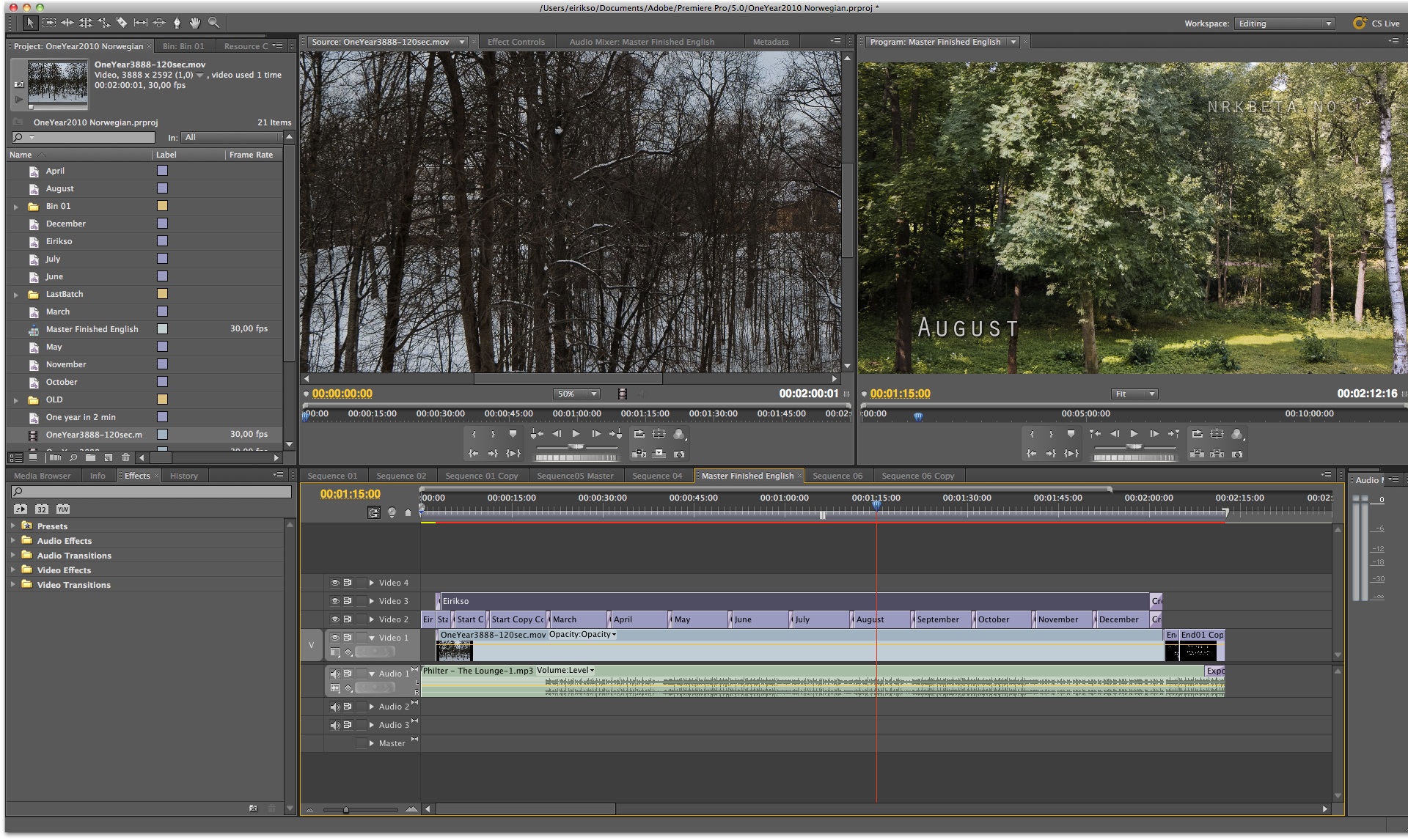
Currently lots of people are here because they look for more information about my video called "One year in 40 seconds". You can read about how I made it and find download links for the HD-version here.

Regular readers and people that are interested in additional content from eirikso. Simply read on:

Photo

New lens: 24-105 f4L IS

Thank you for all the good advice. On twitter and here in this blog. This weekend I did the final shoot-out between the 24-70 f2.8L and the 24-105 f4L IS. Because I do quite a bit of video recording with my 5D MkII I settled with the IS-lens.

Canon 24-70 and 24-105 L-lenses

So now I’m covered with image stabilized L-sharpness from 24 to 200 mm. With the 24-105 and my 70-200. But it’s all at f4 and up. For really low-light work I have my trusted 50 mm f1.4 and when deciding on the not-so-fast 24-105 part of my plan is to add some more primes. Canon have some tempting primes as well. 24mm f1.4 L II and 85mm f1.2L…

But right now I’ll play around with my current range of glass for a while:
50 mm f1.4 USM
15 mm f2.8 fisheye
24-105 f4L IS
70-200 f4L IS

My current Canon lenses

Photo

What lenses should I buy?

When upgrading to the 5D Mark II some of my EF-S lenses had to follow my old 400D (EF-S won’t work on the full frame 5D). So I need to buy some new lenses to cover my needs. But I can’t decide. This is what I currently own:

What I've got

Canon 70-200 f4L IS
Canon 50 mm f1.4 USM
Canon 15 mm f2.8 fisheye

And after posting the following question on Twitter:

If you could choose three Canon lenses. Regardless of price. What would you choose?

Here are the results so far:

lenses001

Seems like the 70-200 f2.8L IS is a favorite. I already have the f4L version of that lens. Mostly because it’s half the weight and half the size of the f2.8L. I like to travel light. And the f4L is razor sharp and very high quality. Here’s a set of favorites shot with that lens. So I’ll keep that one. The next is the fantastic 85 mm 1.2L. Is it worth the weight and the price? Anyone out there owning one?

Still the problem is that I don’t know if I want to go for a zoom or some primes. I need something wide that’s not as extreme as the 15mm. And probably something for portraits that is faster and hopefully smaller than the 70-200 f4L IS. A couple of alternatives:

1. Convenience:
The 24-70 f2.8L

2. Pure quality and speed:
24mm f1.4L II + 85mm f1.2L

3. Travel light + reasonable quality:
28mm f1.8 USM + 85mm f1.8 USM

I’m also considering the legendary 135 mm f2L when I need more speed than the 70-200 f4L can give me. Or how about the very versatile and razor sharp 100mm f2.8 Macro?

What do you think? I need some advice. And at this point I don’t want to spoil the party by talking price. I want advice on the best solution. Your favorites. Regardless of price. Links to reviews. Etc…

Update:
I’m carrying my camera in my bag more or less every day. I shoot lots of stuff in natural and low light. Don’t like using a flash. Currently I use the 50 mm 1.4 a lot because of the combination of speed and light weight.

Media

Free, but not that free…

Tomorrow I’m off for Malmö and Media Evolution 2009 to listen to some excellent speakers. And I am honored to have been invited to contribute in a Blog Race leading up to the event. A blog race where we are discussing main speaker Chris Anderson’s thoughts on the economics of free.

Thoughts that are utterly scary for anyone making their living producing content. And for some parts of the media industry this is truly disruptive. I mostly agree with Mr. Anderson, but now when I have the possibility of raising some questions I’ll try to do so, and hopefully manage to start a discussion.

Let’s have a look at some of the most important parts of the media industry.

img_3444-edit

Production

The cost of production decrease, but it’s not free. Back in 1990 when I started studying television engineering it was a huge advantage for me that I got access to professional production equipment. Now the visual language of 35 mm film is available to anyone affording a Canon 5D Mark II and some lenses. And editing? Free with any Mac.

But production in total is not free. Not at all.

Distribution

Where the industry meets the most disruptive changes. Internet distribution is very cheap compared to the cost of moving plastic around in big trucks or paper around with an advanced system of paper boys. But it’s not free. You need servers and bandwidth.

How about filesharing and BitTorrent? That’s close to free? Yes, I should know. At the NRK we distributed one of our most popular television shows thorugh BitTorrent. Roughly 105 TB of data for a total cost of about $200,-

BitTorrent is effective use of bandwidth, but you still have to pay for your internet connection. So it’s not free distribution. It’s getting cheaper for the content provider because the end user shares his or her bandwidth.

Coca Cola in da house

Marketing

Getting cheaper because of the low cost of distribution, but getting more expensive because of the abundance of content. Joi Ito mentioned something that describes this problem in his presentation at DLD last week:

“What used to be a distribution problem has become a discovery problem.”

Getting attention is harder than ever. But when you finally get it it’s easier and cheaper than ever to utilize it.

Creativity

And the cost of creativity? Maybe you would say that the cost of creativity is constant. It’s still difficult to make truly original, high quality, provoking, emotional and popular content. Still, I would argue that even the cost of creativity is going down. By sharing ideas, learning from others, communicating and cooperating we have better possibilities than ever.

img_4506

And I have experienced all of this. Through this blog, videos and images I’ve put up there for free. Most recently a certain video currently at more than 3 million views. Views demanding bandwidth that Google pays for through ads. A video that already gives me secondary income through presentations and business-to-business deals with television stations and ad agencies.

But let’s have a look at the bigger picture. Making content is cheaper. But it’s not free. Of course Mr. Anderson knows that. And he argues that parts of the business is getting so cheap that we can start making money on something else.

For some parts of the business that will work. You can find what Kevin Kelly calls “Better than free“. Music, television and movies? Anything in there that’s better than free?

img_6960

Music

The cost of production, distribution and marketing is lower. No doubt about that. And if we don’t want to pay for the copy. What would we want to pay for? Over at Amie Street I pay for music. Because they help me with the discovery problem. And they keep my music so that I can download what I have purchased as many times I want. They deal with the metadata and the backup problem. So, call it what you want: me paying for music, or music for free but discovery and backup at a fee.

And then you have the concerts, merchandise, business-to-business etc. We’ll probably loose Britney Spears, a couple of boy bands, Bono’s million dollar yacht and some other creations from the big labels. But people will keep making high quality music. And they’ll make enough money to make a decent living. Magnatune and Pump Audio are on to something.

And that very same Kevin Kelly is on to something as well. In his article about the fact that there’s something “Better Than Owning“. If the labels had decided to be brave they wouldn’t kill Spotify but helped it into a wonderful service that a lot of people would pay for. Either by cash or by listening to ads.

And my question to Mr. Anderson? The numbers! I’m only assuming stuff here. The record execs do the math and tell us that music will die. That my assumptions are wrong. Have you done some research on those numbers? The actual production cost. The possible income on the combination of concerts, merchandise and business-to-business through services like Pump Audio? Any current success stories?

Yes, a couple of bands that already got famous through the aid of a record company can give their music away. But how about that example of a new artist doing fine, producing high quality music, feeding his family. By providing music to the people for free?

img_2854

Television

That’s easier. They’ve been in the business of free for decades: Find quality content, combine it with ads and reach as many people as possible. Eventually they’ll get it. The fact that the traditional model of free TV will work on the web as well. The biggest problem? Media agencies and marketing execs. They need to think different. Beyond the 30 second spot, beyond the banner ad and beyond the boards by the highway. That seems to be the difficult part. Hulu seems to work pretty well, but they need to understand that the world is global now.

And the question? We’re here in scandinavia now. A place where the license funded public broadcasters are very strong. Will this future of free content kill the license funded broadcaster because it will be out competed by free high quality content? Financed by all sorts of strange new business models?

Will these new models be good enough to finance true public service content?

RED1 vs Canon 5D MkII

Movies

The good old days where you could charge several times for the same content will soon be over. First cinema, then DVD, then pay-TV and finally free-TV. No more. Driving trucks of DVDs around must stop. It’s not environmentally friendly. Distributing through the internet makes sense. But so far it makes no business model good enough to replace the old one. Not even close.

The movie industry is different. The production cost is higher. Much higher. Okay, we can still make movies, even if Tom Cruise gets slightly less for his next movie. But making a block buster is expensive. And according to a movie exec I spoke to recently about 60-75% of the income on an average movie is DVD sales. You know, that stuff that is going to be free now.

My question:
I have problems understanding how the movie industry will fit into that $0 future of business. By making the cinema a better experience?

Some bonus questions:

img_0767

Not so free transistors?

Quoting “Free! Why $0.00 Is the Future of Business“:

“That meant software writers, liberated from worrying about scarce computational resources like memory and CPU cycles, could become more and more ambitious, focusing on higher-order functions such as user interfaces and new markets such as entertainment.”

My question:
Right now it seems like the biggest problem is performance. Seems like that transistor wasn’t that cheap after all. Lets make Google Chrome. Performance, not function. And the focus of WIndows 7 and Snow Leopard? Pretty high focus on performance… It went too far?

Micropayments work!

“The huge psychological gap between “almost zero” and “zero” is why micropayments failed.”

My question:
Yes, there is a huge gap. But I still think bad usability is why micropayments failed. I understood that when I met my new friend called AppStore in my iPhone. When it’s instant entertainment for $1 micropayments work. Or what?

img_7073

And the obvious question that Chris Anderson must have got hundreds of times:
If your last book, “The Long Tail” was free. Would you have increased your speaking gigs to a level that could pay for the potential income the direct sales of the book gave you?

The other parts of this blog race:

Chris Anderson visiting Malmö
Keep what you got by giving it all away
People pay for context, not content
4 things for media to sell in the world of free

Soon off for Malmö. Getting answers…

conference

Images and videos from the DLD conference

IMG_3465
(Founders of DLD, Stephanie Czerny and Dr. Marcel Reichart)

Just wanted to let you know that my images from DLD 2009 is up. Feel free to use them according to the creative commons license. Lots of famous internet personalities in there.

Last year I went to DLD for the first time. Rodrigo had told me it was a good conference, but I was blown away by the quality of the sessions and the speakers.

So when I suddenly got an invite this year as well it was no question about going to Munich or not. If you get an invitation to DLD you go! And of course my expectations where very high this time.

Slightly disappointed by some of the sessions at day one. But a disappointment that disappeared quickly. DLD is without any doubt still one of the best conferences I go to. And part of the fun? I don’t know if I’ll get an invite next year…

All the videos from this years conference is up. And here are some of my recommendations:

IMG_3929
Knowledge in the Age of Abundance - David Weinberger

IMG_4127
On Creative Commons - Joi Ito

About Robotics - Dan Dubno, Raffaello D’Andrea, Roth & Tevet, Sergej Lupashin, Amir Shapiro

IMG_3984
New Media Models - Jochen Wegner, Jeff Jarvis, Tyler Brulé, Carolyn McCall, Michael Arrington

And my favourite quote from the whole conference is in this session. On the mandatory finishing question: “what will you do in five years?” Mike Arrington: “I hope I’ll be living on an island somewhere and have nothing to do with this conference”. And that’s after he has been telling Tyler Brulé and Carolyn McCall that they’re working on dying old media that will never work. More or less all the way through the discussion. And mostly I agree with him.

But, Tyler Brulé gets the best finishing line ever: “I’ve already bought my own island. And I did that with money from old media.”

IMG_3968
(Mike Arrington)

Update:

A bonus video. Yossi and Gabemac conducting:

Direct link to video on YouTube
Download this video in HD.

Design

Visual thinking

I like to read and I like to write. But I have admit something. I’ve always tried to solve problems and explain complex issues by using images and visual aids. I love comics and I love photography. I try to follow Seth Godin’s rule of “no more than six words pr. slide” when making presentations. I try to tell myself: “don’t tell it, show it”.

I’m also deeply fascinated by physics and mathematics. The first thing I did when I learned to code was to make software that visualized the mathematical problems we tried to solve at school.

So I’m not surprised of the fact that I love data visualization and ways to show complex patterns and huge amounts of data visually.

And here are two of my best resources:

Information Aesthetics.

“Inspired by Lev Manovich’s definition of “information aesthetics”, this weblog explores the symbiotic relationship between creative design and the field of information visualization. More specifically, it collects projects that represent data or information in original or intriguing ways.”

3088127940_2d2aa0ab4e

An example from Information Aesthetics
An article about Open Street Map and a visualization of how people have edited the growing database of maps in their open and free to use database.


OSM 2008: A Year of Edits from ItoWorld on Vimeo.

A wonderful visualization of the collective force behind a site like openstreetmap.

Flowingdata.com

FlowingData explores how designers, statisticians, and computer scientists are using data to understand ourselves better - mainly through data visualization.

what-i-want1

An example? How about “5 Best Data Visualization Projects of the Year“?

And of course. I can’t write anything about data visualization without mentioning Hans Rosling and his amazing presentations.

So what’s your favorite data visualization sites?

fun, video

Five seconds in 5 seconds

An excellent parody of my “One year in 40 seconds“.

Direct link to the video on YouTube.

And if you dare, you might want to have a look at this version as well.

I’m also working on a couple of articles about my experience around having a video roam around the internet. With millions of views and thousands of comments. I’ll give you statistics, and helpful advice on what to do and what not to do.

And by the way: I’ll never overwhelm you with articles here, so I can safely recommend subscribing to my RSS-feed or email update.

Update:
I’ve also had several questions about adding music to my video. Here’s one example.

Photo, Software

Dear Canon, please opensource your firmware

Canon 5D Mark II Firmware Update from 1.0.6 to 1.0.7

I just updated the firmware on my new 5D Mark II. The firmware is the operating system in my camera. The software that decides how the menus on the screen should look, what the buttons do, and basically everything about how my camera handles the data from the CMOS that sits in there, collecting light when I snap images.

I didn’t get any extra functionality, but two issues that I never had problems with are now fixed.

Yes, it works fine. But we want more functionality. We want 25p and manual controls for video recording. And in this world of software it is possible for people to make that functionality. For you. For free. Either by hacking the whole camera. Or if you provided an API. Or even better, if you simply published the development tools and software.

Your revenue is based on selling excellent cameras and excellent lenses. And I guess Nikon and your other competitors have hacked and examined your firmware in detail already.

Open your firmware and you’ll see 25p on the 5D MkII before you can say “development kit”. And you’ll see all kinds of stuff that you and your competitors never thought of.

Update:
And you know what? People will improve the 5D Mark II firmware anyway. If you help them they will make better solutions.

You’ll be a pioneer. Bringing digital photography to the next level. Do it before your competitors!

I updated this article with a link to canonhack.com. After a hint from @urke.

And because I’ve made the links in this article pretty non-explaining I’ll repeat the link to CHDK as well! A very interesting project that already has enhanced the Canon firmware on a couple of cameras.

Design, Photo

Making miniatures of your images

Tilt-shift miniature faking has been around for a while. But I hadn’t seen Tiltshiftmaker before. And decided to give it a go. It’s a web site where you can upload an image or give it the URL of an image. Then it adds a simple blur effect and adjust the color to make the illusion of a miniature model. Works pretty good.

The miniature:
Quick test of tiltshiftmaker

The original:
IMG_6714

Pretty cool.

And by the way. The image is from Ljubljana in Slovenia. Fantastic city.

And if you want to do it with photoshop you can try one of the many tutorials out there.

Photo, Site info.

Happy new year!

Snowman

Welcome to a whole lot of new readers and followers on Twitter. Due to the overwhelming success of my video showing 2008 in a couple of seconds.

So far the video has been viewed 1,087,240 times on YouTube. 10,312 ratings and 9,579 comments. On Vimeo it has 314,193 views. It has been aired at ABC in San Francisco and been featured on countless web sites and blogs. I’ll get back to the details about that video later. I’m learning a lot by following how it spreads through the net, what people comment about, how people use it an so on. Tuesday 30th was most busy. Giving 28,350 page views and 20,708 unique visitors to this blog. I cranked my Dreamhost PS up to 4 GB RAM for this period of time and it handled the traffic fine.

Wrapping up 2008 on eirikso.com. 252,828 Absolute Unique Visitors spending 1 minute and 40 seconds in average on my site. Since I started using Statcounter back in 2005 a whopping 2,090,757 people have visited eirikso. And according to Google Analytics this is my most popular articles in 2008 (you find the 2008 page views in parentheses):

1. The Media Center Software List (169,361)
2. Direct hit to eirikso.com (35,709)
3. Free high quality streaming of movies and tv shows (30,584)
4. One year worth of images give some amazing videos (21,457)
5. Test clips from panasonic hdc sd5 (13,079)
6. How to program the buttons on your mce remote (12,593)
7. HTPC frontend roundup (12,481)
8. Pandora plugin for windows media center (9,349)
9. How to completely reset your series 60 nokia mobile (7,880)
10. They stole an image of my son and just had to pay $4000 (6,467)
11. HDR-photography (6,239)
12. An impressive yet simple photographic effect (5,649)
13. Perfect adjustment of your LCD (5,600)
14. TVedia an amazing networked media frontend (4,922)
15. Home theatre PC links roundup (4,893)
16. Web browser for media center edition (4,824)
17. Record your pandora streaming radio (4,674)
18. Canon EOS 400D - experience after one week (4,418)
19. Highpad media control pda remote for windows media center (3,867)
20. Silencing an XFN GeForce 6600gt with a Zalman VF700cu (3,696)
21. How to make illustrations even if you can’t draw (3,635)
22. Test clips from Canon HF10 (3,563)
23. Recommended HTPC hardware (3,299)
24. HDR from one single image (3,275)
25. Time stopped at 10:09 (3,255)

What does this tell me? That pretty boring articles about Home Theatre PCs (HTPC) will give you traffic from Google for years…

Anyway, this is a nice place to give me directions for 2009. What do you want more of? Less of?

Photo, video

One year worth of images give some amazing videos


One year in 40 seconds from Eirik Solheim on Vimeo.

So far I’ve made two videos of the images I describe in this article. The one here at the top and another two minutes version. Read on to learn how I did this, to see the other video and to download the videos and images in high quality. And if you want to watch this video here at the top in HD quality you have to click through to Vimeo.

The story

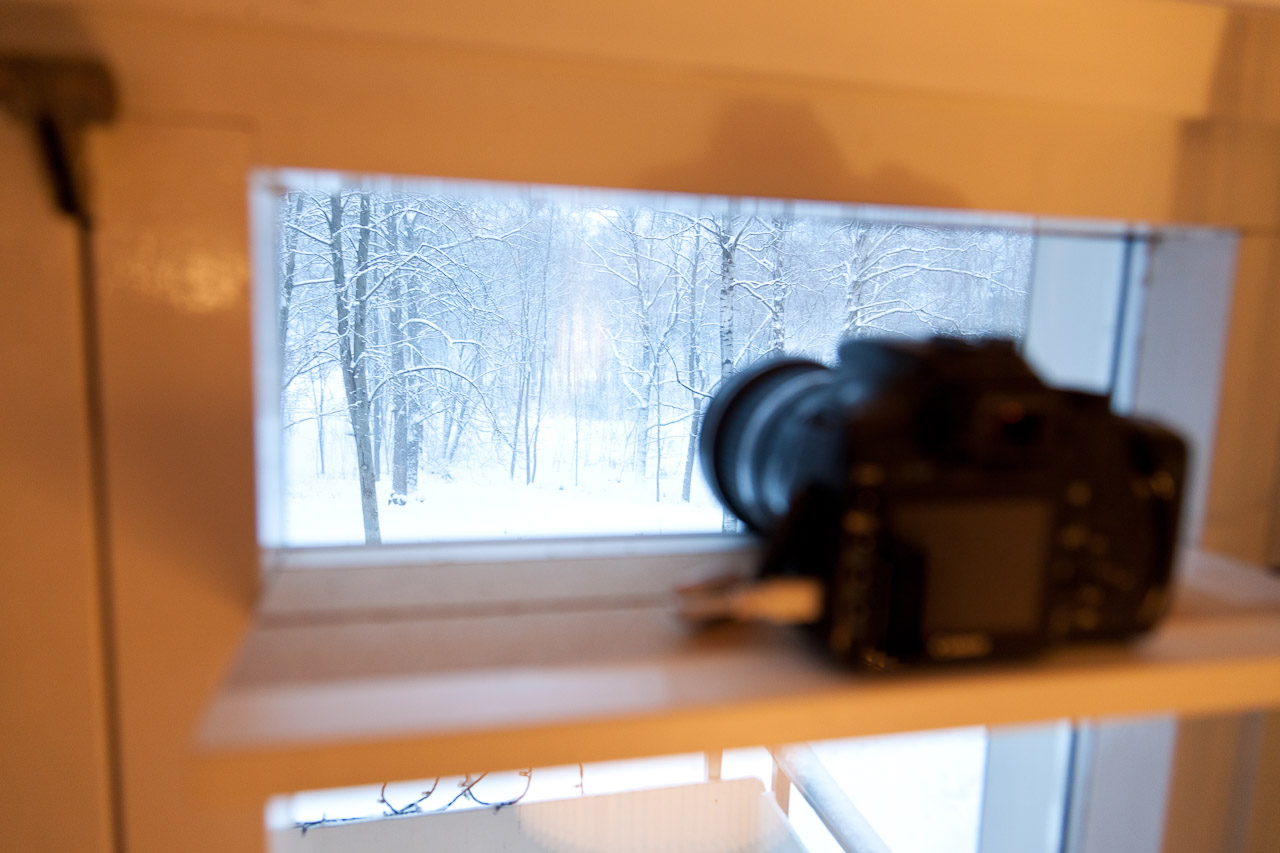
Back in 2005 I did an experiment shooting images out of my window for one year. It turned out pretty cool and in the end of 2007 I decided to do the same. But in much better quality.

seasons1024

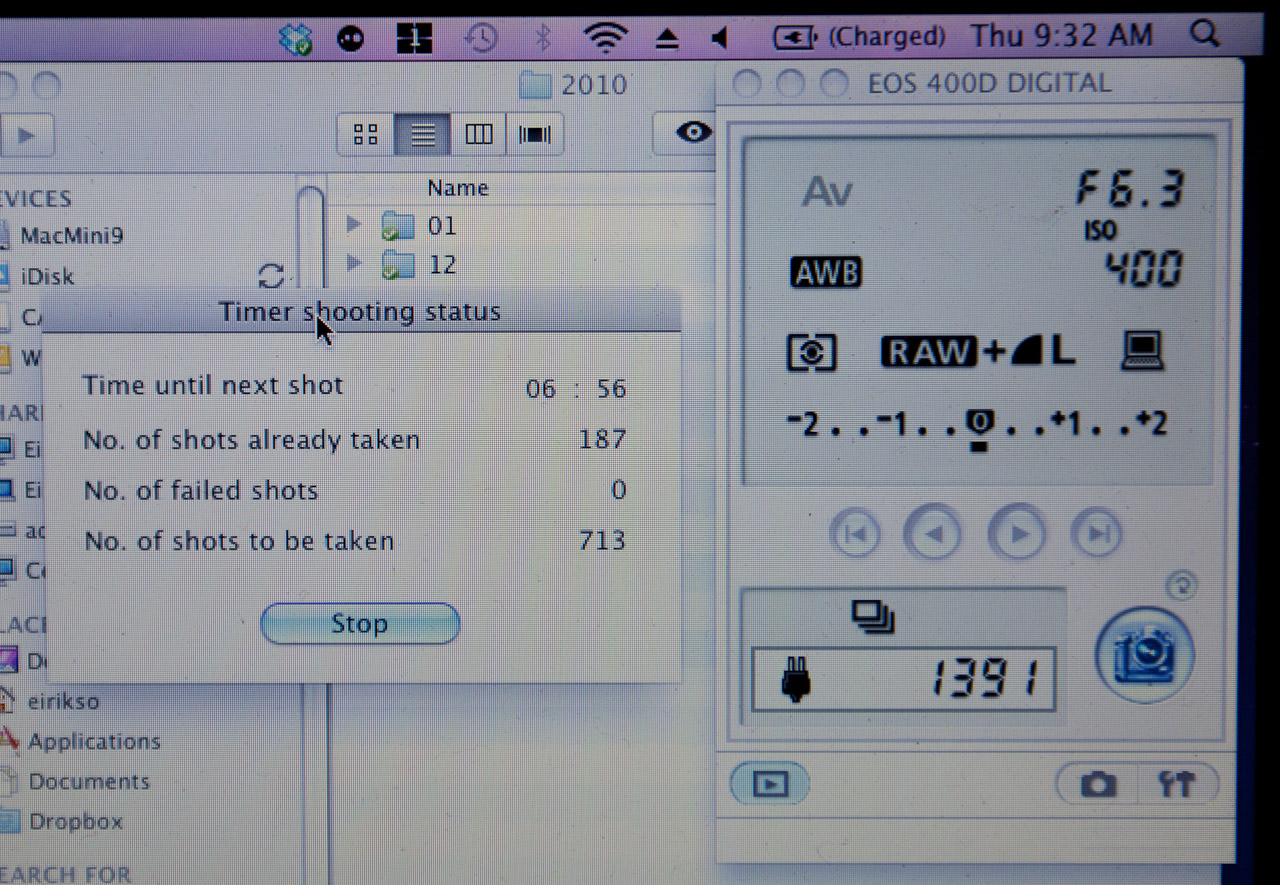
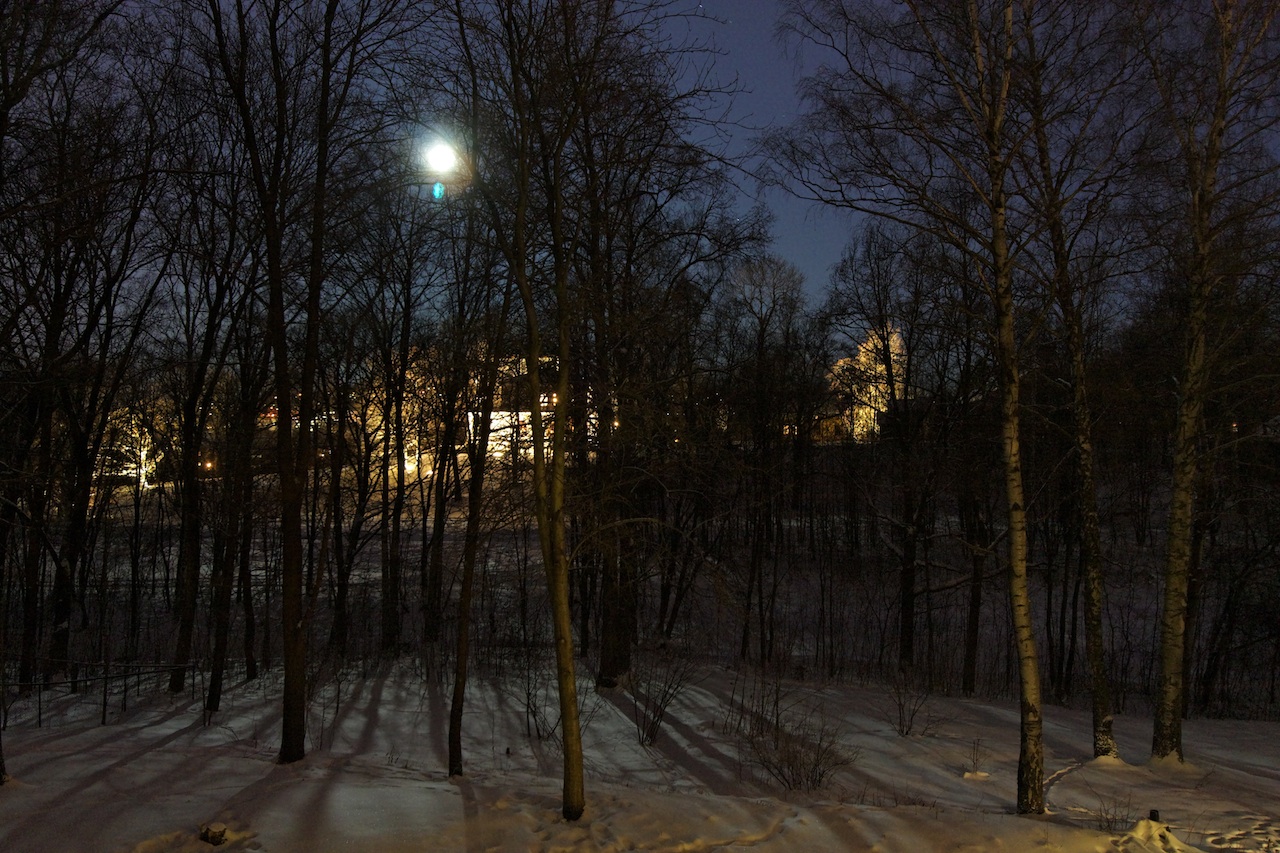
So I started shooting images with my Canon 400D. From the same spot each time, but not through my window. I found a spot outside that gave more or less the same framing each time I placed my camera. So, I went out on our balcony snapping some images at pretty irregular intervals all through 2008 .

20080414-dsc07821

20080414-dsc07819

Each time I snapped the following images:

3 exposures @10mm (Canon EF-S 10-22 F3.5-4.5 USM)
3 exposures @17mm (Canon EF-S 17-55 f2.8 IS USM)
3 exposures @55mm (Canon EF-S 17-55 f2.8 IS USM)

All images shot in RAW. The three exposures where: normal, +2 EV and -2 EV.

In addition to the images I decided to record some audio at the same place. Using my Canon S2 IS and my Canon HF10 I recorded simple background sounds trough 2008 as well. Not with exact connections to each image. More with a focus on getting audio from winter, spring, summer and autumn.

All together giving me a pretty decent range of material to put together some experiments.

Then what? The videos…

Link to this video in HD on YouTube.

At the top of this article you find a 40 second version that show one year. Using the 10mm wide angle images. Right above you find a two minute version made from the 55mm zoomed in images.

First I used Photomatix to make HDR images of the ones I decided to use. Mostly because the HDR effect makes the images flat so that the difference in light and shadows won’t disturb the transitions in my video.

Then I used Photoshop to align all the images. Placing the camera manually at the same spot each time won’t give the exact same spot. So I needed some fine adjustment. Photoshop does this. Here’s how:

First load the images you have chosen into layers by using “File->Scripts->Load files into stack
ps_seasons_01

When you have found all your files make sure to check “Attempt to automatically align…
ps_seasons_02

Give your computer huge amounts of time and get back when it has finished. Now Photoshop has adjusted all the images and put them on separate layers in one file. The next thing you have to do is to crop the image. Because of the adjustments the images are not the exact same size. A crop will do the trick.
ps_seasons_03

When the computer is done cropping you export the layers to files. “File->Scripts->Export Layers to files
ps_seasons_04

Now you have a folder with a bunch of images with the same framing. I decided to do simple dissolves between them.

fcexpress_edit

And ended up with a project in Final Cut Express that looked like the image above. I didn’t want one dissolve at a time. I wanted to make some kind of flow where one dissolve is taken over by the new one before it is finished. As you can see from the timeline my dissolves overlap.

The free downloads

First of all: please comment here or contact me if you use the images. I’ll link to all cool projects made from these files!

All the images are licensed under a Creative Commons Attribution-Noncommercial-Share Alike 3.0 license. In other words: Use them non commercially as long as you give me credit and as long as you share the work you do under the same license.

For commercial use please contact me. I have all the images in the original 10 megapixel RAW files.

indexflickr

And where are the files?

Images:
10mm wide angle aligned HDR images in this flickr set.
All the images from that Flickr set in a ZIP file.
55mm zoomed in aligned HDR images in this flickr set.
All the images from that Flickr set in a ZIP file.

Audio:
The audio as WAV in a ZIP file

Video:
40 second movie, 8 mbit/s H264, 1280×720 25p
Two minutes movie, 8 mbit/s H264, 1280×720 25p

But I know what I’m doing and want the full resolution RAW files to make something really cool!

Please comment here or contact me and I’ll provide you with what you want. RAW files, video footage, more audio from the same spot etc…

Whats’s next?

Eh. Well. I just upgraded my camera to a Canon 5D Mark II. Giving me a possibility of getting even higher quality footage from this nice view of some trees… Guess I’ll snap some images on my balcony through 2009 as well. :-)

Bad Behavior has blocked 2384 access attempts in the last 7 days.