One year in 40 seconds


Currently lots of people are here because they look for more information about my video called "One year in 40 seconds". You can read about how I made it and find download links for the HD-version here.

Regular readers and people that are interested in additional content from eirikso. Simply read on:

Photo

How wide is wide?

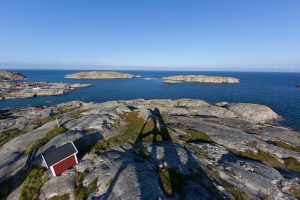
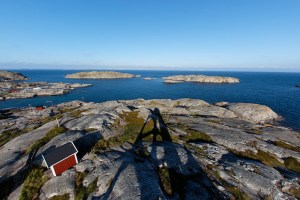
About as wide as this:

Wide angle test
Link to a bigger version of the image.

I snapped the same image with the following lenses:
Canon 15 mm f2.8 fisheye
Canon 16-35 mm f2.8 L USM II @16mm
Canon 24 mm f1.4 L USM II

And marked the reach of the different lenses on the 15 mm image. But I also wanted to see how a Sigma 8 mm circular fisheye did:

IMG_1446-Edit
Link to a bigger version of the image.

So now you know. That’s the difference between these different lenses on a Canon 5D MkII fullframe camera. And if you don’t like the distortion of the fisheye you can remove it.

Photo, photography

How to remove distortion on a Fisheye image

IMG_1284

I recently bought the Canon 15mm f2.8 Fisheye for my new 5D Mark II. It’s extremely wide angle and gives the characteristic fisheye distortion.

Here’s a gallery of images shot with that lens:

In some images you want the fisheye distortion, but in other images you might want to remove it.

15mm Fisheye Original

And there are several applications that can help you with that. Regardless of what fisheye you’re using.

ptlens

The most common way to remove the distortion is to squeeze the image in the middle. Something like what PTlens will do for you. In addition you can adjust perspective, rotation and a couple of other settings.

But this leaves you with an image that has to be cropped and if there are people along the edges of the image they will look very distorted.

Another program called Fisheye Hemi aim to fix that problem. And will try to remove the fisheye distortion using advanced algorithms to keep as much as possible and do the adjustments but keeping people and other details in the image without distortion.

I’ve made a simple flash animation to show the different images. Click the buttons below the image to change from original, to the one corrected with fisheye hemi to the one corrected with PTlens.

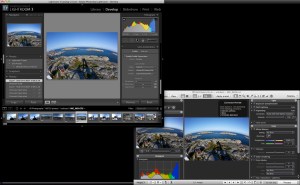
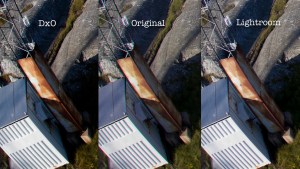
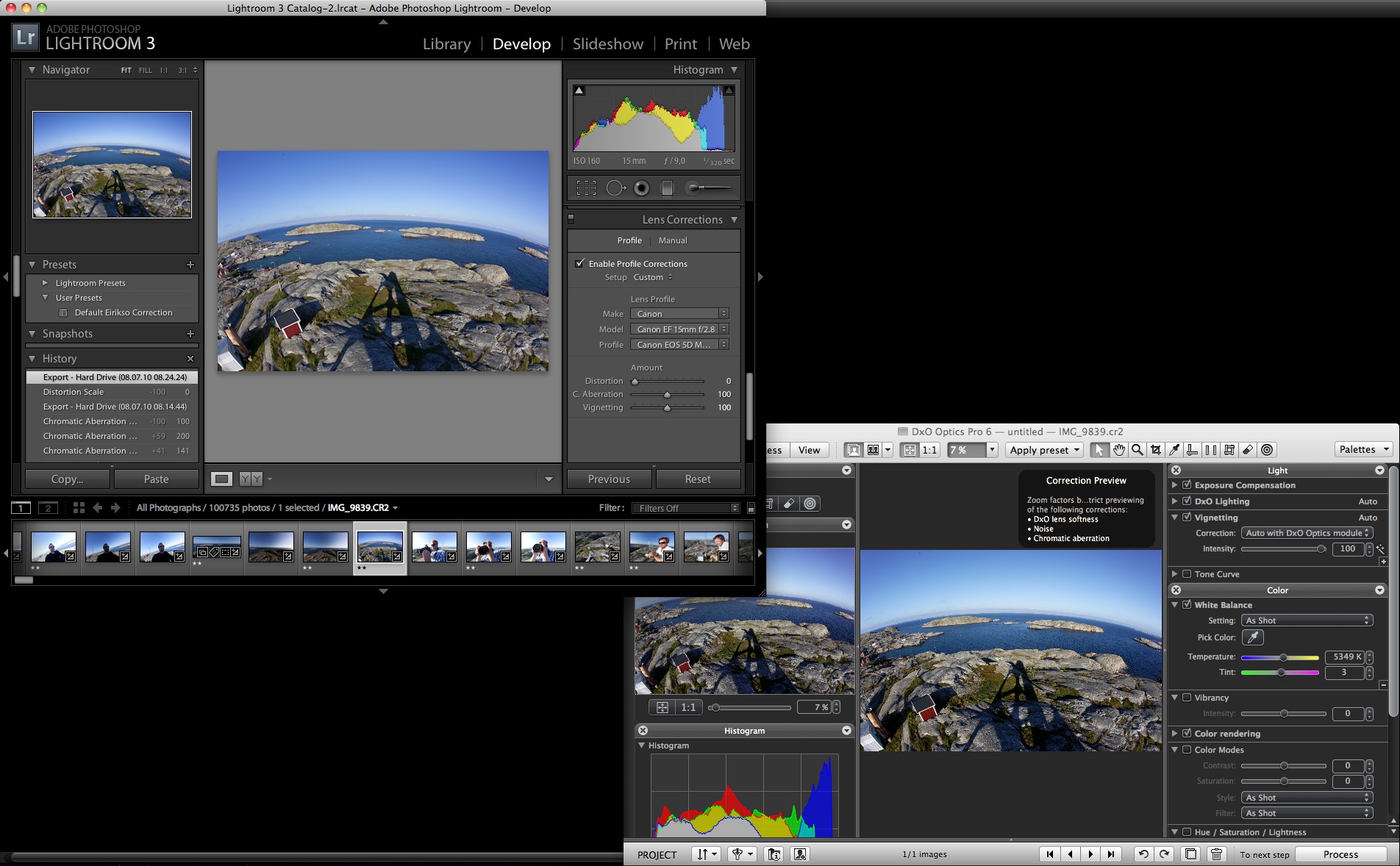
There are a lot of programs that is made to help you adjust lens distortions. I’ve also tried DxO, but simply found it too difficult to use. For people using Windows I’ve heard positive remarks of RectFish.

Please leave a comment if you have a favourite that I haven’t mentioned.

Travel

A nice place to work in Stavanger

I do quite a bit of traveling and I am dependent on a way to work while on the road. Thanks to a 3G/Edge USB-stick for my MacBook I have some kind of internet connection most places. But I really prefer WLAN. And because I usually empty the battery of my MacBook on the plane/train/bus-ride to my destination I also like to find a spot with a power outlet.

And if you find yourself in Stavanger, Norway at some point I have a spot for you. First of all: Stavanger is pretty well covered with free public WLAN. Good city! And among all the nice restaurants and cafes I found a nice spot at “Godt Brød”:

Nice place to work

Godt Brød Stavanger AS avd Utsalg
Sølvberggata 9
4006 Stavanger
Tel: +47 51844080

The table by the door. Covered well by the free public WIFI. A power outlet near by. Good coffee, good food. Well, with a couple of minutes off while traveling I don’t need more than that.

Photo

Aperture, shutter speed and ISO - Explained visually

IMG_0008

First of all: my entry into visualization using Flash in my last article was less than perfect. Mainly because I didn’t shoot every image in my sequence with the same aperture. Meaning that the background changed because the depth of field change.

So, I’ve made a new ISO-test of the 5D Mk II. Slightly better. At least the aperture stayed at 5.6 at all ISO values. The flash file is big, and I’ve not made any kind of download indicator. So when you click the link you need some patience while the page load.

Link to: Flash animation showing ISO-change

Aperture

But what about that aperture stuff? Did you say depth of field? Yes. When you change that thing called aperture on your camera things happen to your image. To put it short: a low value, like 1.4 gives more blur in your image. A high value, like 22 gives less blur. The detail that you focus on will stay sharp, but the amount of detail around that point change.

IMG_0009

Huh? Exactly. This is easier to show with an image. Or, actually several images. In an animation like the ISO-experiment. Where you can click the row of f-numbers at the bottom and see the image change. And it’s the same as with the ISO-animation. When you click the link you have to wait a while for the page to load.

Link to: Flash animation showing aperture change

Shutter Speed

IMG_0043

But hey! I can also adjust something called “shutter speed”. Yes, in addition to ISO and aperture the shutter speed adjust the amount of light you will let in at the CMOS- or CCD-chip. And the effect on the image? A long shutter speed gives motion blur. And if you are shooting without a tripod or something to support your camera a long shutter speed mostly means a completely blurred image.

To show the difference that the shutter speed makes I did the test again. With a train moving in the image. So now you can see the effect of both the shutter speed and the aperture. And you know what? When you click the link you need patience. Let the page load…

Link to: Flash animation showing aperture and shutter speed change

But your flash animations are crap

Indeed. I haven’t coded flash since 1999 and used Apple KeyNote to make these. So, if you want to make them better I have provided you with all the original images. Full resolution:
ISO-test Originals
Aperture Test Originals
Aperture and shutter speed test Originals

These are zipped archives of the images. And please let me know in the comments if you use these images. They’re licensed under a creative commons license.

Photo

Quick ISO test of the Canon 5D Mk II

1600vs1600

People keeps asking about test images to show the low light performance of my new Canon 5D Mark II. So far I find it pretty amazing. The image above is a comparison of my old 400D at iso 1600 and the new 5D at iso 1600. Both images shot in RAW and converted with Canon DPP.

Because the 5D looks so good at iso 1600 I also did the same with the 5D at iso 6400.

1600vs6400

In addition to this I have put together a flash animation that shows you the same image at different ISO values. You can click the image to browse through the different values, or choose directly with the buttons.

The example embedded here is small and doesn’t really show the images very well. If you have some patience and wait for the loading, I have also published a bigger version. And no, I’ve not made any fancy “loading-animation”. You just have to wait for the page to finish. And I know: Not very smart to let the camera change the aperture. Apart from the fact that it gives a nice demonstration of how the depth of field change…

Photo

Canon 5D Mark II in da house

Canon 5D Mark II

Of course I’ll get back here with images, video clips and thoughts on how it works. Until then, let me know what you want me to test.

Here is a couple of images that I snapped on my way from the shop today.

IMG_0006

And so far? Seems just as fantastic as I thought it would be…

Photo

How to make that cardboard ‘hood’ for the DIY bokeh effect

Earlier this year I posted an article about how to make your own “bokeh” in your images. People have asked me for details about the cardboard “hood” I’ve been using.

So I decided to simply tear it apart and put it together in front of my video camera. Three minutes and fifty seconds later. And there you are. A nice tutorial on how this was put together.


DIY bokeh from Eirik Solheim on Vimeo.

Direct link to the video file.

Media, blogging

Pirates, presentations and a lot of work

The title says something about why this blog has been dead silent for the last weeks. Lots of interesting stuff happening. That gives me interesting stuff to write about. But if it’s too much exiting stuff happening I don’t have time to write… Catch 22?

Whatever. It has come to the point where my trusted readers start sending me email wondering if I’m OK. So I simply wanted to tell you that I am completely fine. Unfortunately I haven’t even had time to announce my public presentations lately. The last one was Mediaforum in Strømstad.


Image: Lawrence Lessig is one of the persons interviewed in the movie I mention at the bottom of this article.

Last week I also had a quick trip to Stockholm. In addition to some meetings I attended a debate about rights management at the royal institute of technology. It wasn’t really a debate, because the panel in general agreed on most issues. But it turned out to be an interesting discussion about youth culture, sharing, creativity, privacy, freedom of speech, business models and the modern media world. I hope to get back with more from that debate.

After the discussion I was fortunate enough to have dinner with the panelists and some other very interesting people. Pirates, politicians, university people and content producers. One of them was Henrik Molkte. Together with others he is responsible for an excellent documentary about remix culture and copyright law: Good Copy, Bad Copy. It’s worth the hour. Watch it on the website or download it through BitTorrent and enjoy on your favourite device.

Unfortunately I have busy days ahead as well, but hang in there. I’ll not stop sharing interesting stuff here at eirikso.com.

Design, Media, Presentations

Recommended reading

I’m currently working my way through these:

Clay Shirky, Here comes everybody. I’m only half way through, but this book is essential. A very nice analysis of how the crowds of the internet turns into well organized groups that can solve tasks that traditional organisations can’t solve.

Dan Roam, The back of the napkin. A very nice book on how to use visuals to explain complex stuff.

Garr Reynolds, Presentation Zen. Currently the best book about presentation skills out there. Period.

Media

One gadget to change an industry

I agree with Vincent Laforet. This camera is a game changer:

1. The 5D MKII camera produces the best stills in low light that I’ve ever seen - what you can see with you eye in the worst light (such as sodium-vapor street lights at 3 a.m. in Brooklyn) - this camera can capture.

2. It produces the best video in low light that I’ve ever seen - at 1080p. A top commercial film editor who who regularly edits RED camera footage - and has seen the raw footage from the 5D MKII - says the 5D MKII is “far superior to the RED camera” in terms of low light performance…

Check out the images in his article. They’re taken from the video he produced with the camera.

We published a short article on NRKbeta with our results after having a look at a video clip from the camera earlier this week. And a norwegian article with some images and a video showing the camera.

Bad Behavior has blocked 2383 access attempts in the last 7 days.