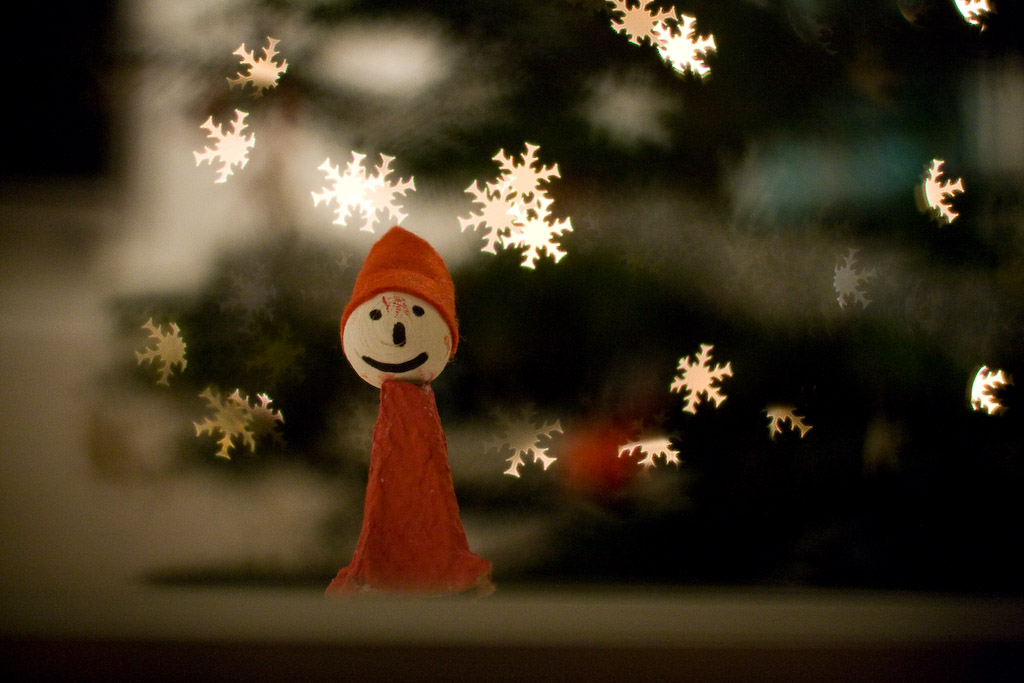
How to make that cardboard ‘hood’ for the DIY bokeh effect

Earlier this year I posted an article about how to make your own “bokeh” in your images. People have asked me for details about the cardboard “hood” I’ve been using.

So I decided to simply tear it apart and put it together in front of my video camera. Three minutes and fifty seconds later. And there you are. A nice tutorial on how this was put together.

http://vimeo.com/moogaloop.swf?clip_id=2165224&server=vimeo.com&show_title=1&show_byline=1&show_portrait=0&color=01AAEA&fullscreen=1
DIY bokeh from Eirik Solheim on Vimeo.

Direct link to the video file.

How to make that cardboard ‘hood’ for the DIY bokeh effect

Pirates, presentations and a lot of work

The title says something about why this blog has been dead silent for the last weeks. Lots of interesting stuff happening. That gives me interesting stuff to write about. But if it’s too much exiting stuff happening I don’t have time to write… Catch 22?

Whatever. It has come to the point where my trusted readers start sending me email wondering if I’m OK. So I simply wanted to tell you that I am completely fine. Unfortunately I haven’t even had time to announce my public presentations lately. The last one was Mediaforum in Strømstad.


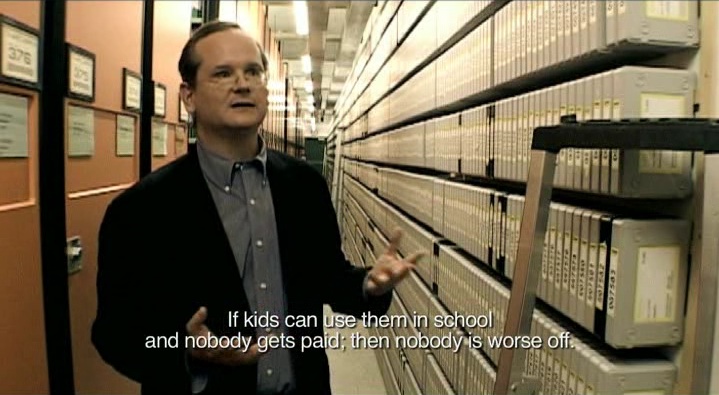
Image: Lawrence Lessig is one of the persons interviewed in the movie I mention at the bottom of this article.

Last week I also had a quick trip to Stockholm. In addition to some meetings I attended a debate about rights management at the royal institute of technology. It wasn’t really a debate, because the panel in general agreed on most issues. But it turned out to be an interesting discussion about youth culture, sharing, creativity, privacy, freedom of speech, business models and the modern media world. I hope to get back with more from that debate.

After the discussion I was fortunate enough to have dinner with the panelists and some other very interesting people. Pirates, politicians, university people and content producers. One of them was Henrik Molkte. Together with others he is responsible for an excellent documentary about remix culture and copyright law: Good Copy, Bad Copy. It’s worth the hour. Watch it on the website or download it through BitTorrent and enjoy on your favourite device.

Unfortunately I have busy days ahead as well, but hang in there. I’ll not stop sharing interesting stuff here at eirikso.com.

Pirates, presentations and a lot of work

Recommended reading

I’m currently working my way through these:

Clay Shirky, Here comes everybody. I’m only half way through, but this book is essential. A very nice analysis of how the crowds of the internet turns into well organized groups that can solve tasks that traditional organisations can’t solve.

Dan Roam, The back of the napkin. A very nice book on how to use visuals to explain complex stuff.

Garr Reynolds, Presentation Zen. Currently the best book about presentation skills out there. Period.

Recommended reading

One gadget to change an industry

I agree with Vincent Laforet. This camera is a game changer:

1. The 5D MKII camera produces the best stills in low light that I’ve ever seen – what you can see with you eye in the worst light (such as sodium-vapor street lights at 3 a.m. in Brooklyn) – this camera can capture.

2. It produces the best video in low light that I’ve ever seen – at 1080p. A top commercial film editor who who regularly edits RED camera footage – and has seen the raw footage from the 5D MKII – says the 5D MKII is “far superior to the RED camera” in terms of low light performance…

Check out the images in his article. They’re taken from the video he produced with the camera.

We published a short article on NRKbeta with our results after having a look at a video clip from the camera earlier this week. And a norwegian article with some images and a video showing the camera.

One gadget to change an industry

Some companies really get it

I post this on twitter:

Then, one hour later I get this message from Twitter:

from Twitter
subject Six Apart is now following you on Twitter!

Hi, eirikso.
Six Apart (sixapart) is now following your updates on Twitter.
Check out Six Apart’s profile here:

You may follow Six Apart as well by clicking on the “follow” button.

Best,
Twitter

Sixapart makes Movable Type. The biggest WordPress competitor.

Look for people talking about your brand on the internet and follow them! But you should also follow people that talk about your competitor.

Some companies really get it

The amazing collaborative force of the internet

Volapük is one of the many attempts of making a universal, easy to learn language. It was created by Johann Martin Schleyer in 1879-1880. And abandoned in the early 1900’s. According to Wikipedia there are now an estimated 20-30 Volapük speakers in the world. If that’s correct, this is pretty amazing:

The Volapük Edition of Wikipedia has more than 100 000 articles.

Now that’s some productive 20-30 persons!

The amazing collaborative force of the internet

My current image workflow

I posted my current backup strategy a while ago. And after a quick chat with Rodrigo on Twitter I decided to post my image workflow as well.

The basic flow is simple:

1. Out there
Snap images in RAW using my trusted Canon ESO 400D. I’m still very impressed with this camera. It has survived more than I could expect. Now snapping away at its image number 26 654.
It has survived drops from 1,5 meter. Heat and sand in Marrakesh and freezing snow in the mountains of Norway. I’m not changing before Canon cranks out that 21 mpix, 8 fps, weather sealed, HD-video shooting full frame 5D mark II. Yeah. I know. Rumors.

Anyway, I am using two 4 GB SanDisk Ultra II CF cards while out shooting. Then:

2. At home
Transfer the images to my 24″ iMac (a fast, beautiful, silent and in general amazing machine). I’m using the import function in Lightroom and organize the images in folders according to the date: “Main Archive”/Year/Month/Day/image files

The images are not stored on the iMac. They go to a shared drive that’s connected to the main server at home. The main server is a MacBook Pro that had an accident and ended up with a destroyed screen. It’s now permanently connected to the TV in our living room. Serving as a media hub, PVR and file storage for the family. It’s placed in a well ventilated cabinet together with a bunch of disks.

And that’s where my image files go. On to two of the disks. Set up in a mirrored RAID for redundancy.

3. The boring stuff
Tag my images as much as I have time for. Usually that boils down to a few tags describing the session, happening, place and whatever suits all images. I’m not good enough at individual tagging of my images. Too much of my archive relies on the fact that I remember when the image I am looking for was taken. Lately I’ve also started to do automatic geotagging of my images.


(This image: the ultimate cliche. Shot at Solastranden at the western coast of Norway)

4. The fun stuff
Process and edit my images. Lightroom 2 is really powerful for this. With the adjustment brush I can do wonders with an image very fast. And everything is non destructive, leaving the original RAW file untouched. The RAW files contain more information than a JPG and I’m still amazed what I can get out of even a bad shot with wrong white balance and wrong exposure.

I used Aperture for this in the beginning. But Aperture ended up useless on my 60 000+ image archive. I’ve checked, and the latest version of Aperture is way better at this. But when switching I also ended up liking the tagging work flow, editing, RAW conversion and general handling in Lightroom better.


(This image: the beautiful Steinsdalsfossen in Hardanger, Norway)

The kitschy stuff goes into Photomatix and the tricky stuff goes into Photoshop.

5. Publishing
I’m using my images in my presentations, on this blog, over at NRKbeta, on our family site, on print and even for sale. I have a lot of images on Smugmug and Flickr, but the ones I’ve sold have been directly because someone found them on my blog or through my experiment with Shutterpoint.

In general I’m pretty relaxed when it comes to people using my images. As long as it’s not stupid shops using them in commercials without asking.

The alternate workflow
When travelling I bring my MacBook Pro. I’m running Lightroom on that one as well. So, when I’m on the road my images go from the camera, into the MacBook and on to an external disk for backup as well. When back home I transfer the images from the MacBook. Keeping all the editing and metadata from Lightroom on the laptop.

Feel free to fire away questions in the comments.

My current image workflow

Going to IFA – slightly transparent

I just posted an article about Hasan Elahi on the Norwegian blog I’m contributing to. Mr. Elahi is the artist that exposed his whole life on the internet when the feds started following him.

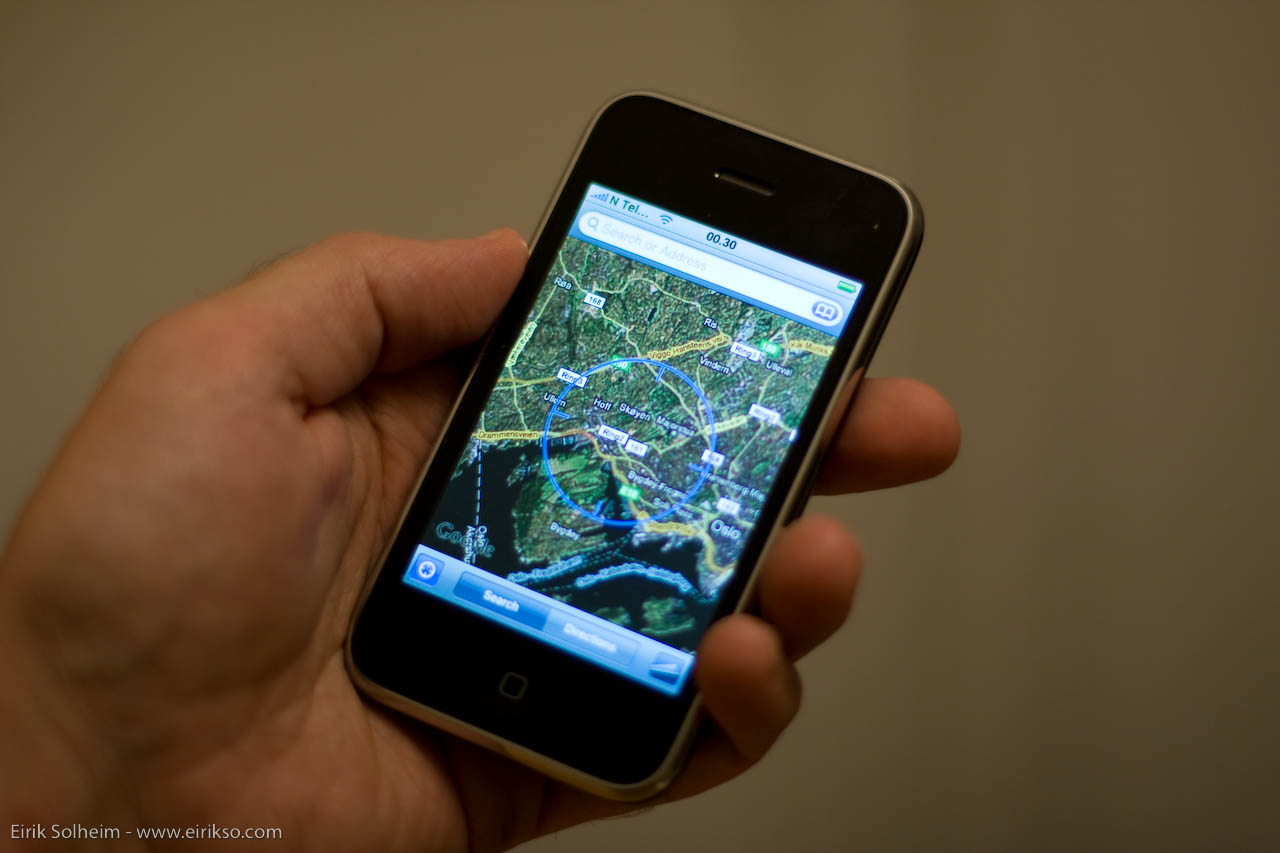
I’m not going to pull an Elahi here, but as part of my experiments with GPS technology and my iPhone I’ll be posting my position live on the intertubes from time to time during my trip to IFA in Berlin.

The map in this post will be updated with my position and a track when I’m online. I’ll also post some messages on Twitter and some geocoded images on Flickr. I know that I have a tight schedule in Berlin, so I can’t promise immense amounts of information, but now you’re informed of my tiny experiment.


GPS tracking powered by InstaMapper.com

http://www.instamapper.com/ext?key=12447090540095616672&width=330&height=300&zoom=13&units=metric&coords=dms

(Yeah, I know. The map is slightly too big for my layout.)

Direct link to the map. Direct link to a mobile version of the map.

Unfortunately, the maps will not auto update. You need to refresh. And due to the limited battery and no multitasking on my iPhone I can’t track my whole trip.

We’ll see how it goes. Will this provide any useful information for anyone? Will it be too much work for me?

Going to IFA – slightly transparent